
I have checked a couple of tool s but this free and open source tool…
MainWP Pro Reports – Enhancements
Especially when creating and testing a custom PDF template you might end up creating dozens of PDFs. Creating, saving, opening takes time. It would be better that a click on the „Download PDF“ button would just open the PDF not download it. You can change that. Just change the „$output_mode“ variable from „download“ to „view“ like this in the following file:
/httpdocs/wp-content/plugins/mainwp-pro-reports-extension/class/class-mainwp-pro-reports-pdf.php
	public function output_pdf( $html, $report_id, $site_id = 0, $output_mode = 'view' ) { //enym was "download"
		$pdf_settings = $this->get_pdf_settings();
		$pdf          = $this->get_pdf( $html, $pdf_settings );
		$report       = MainWP_Pro_Reports_DB::get_instance()->get_report_by( 'id', $report_id );
		$this->output_pdf_headers( $this->get_filename( $report, $site_id ), $output_mode, $pdf ); //enym view

		echo $pdf;
		die();
	}
Simple Add Actions:
add_action( 'mainwp_uptime_monitoring_email_header', 'your_custom_function_name' );

function your_custom_function_name() {
// Your code
}
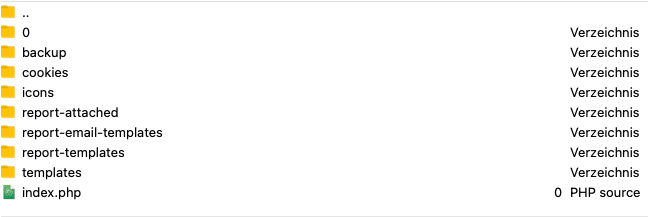
Hier lassen sich die PDF und E-Mail Templates ablegen:
/httpdocs/wp-content/uploads/mainwp